
Choosing school website and engagement software that balances user-friendly admin, reliable parent communication, and existing MIS integration is harder than necessary for most school leaders. Too many options either lock essentials behind expensive bespoke quotes, lack proper data synchronisation with platforms like SIMS, or demand technical expertise that busy staff cannot spare. This guide compares four leading alternatives so you can match features, support levels, and pricing models to your school’s size and operational priorities.
Table of Contents
- eSchools
- School Synergy
- Admicity
- ilerno
- Comparative Analysis for School Website and Engagement Software
eSchools

At a Glance
eSchools reports over 14 years’ experience supporting UK schools and trusts, and it sells that experience through modular packages so schools pay for only the functions they need. The vendor positions dedicated support and DfE-focused compliance tools as part of the offering.
Core Features
Customisable school websites with a simple content management system that non-technical staff can operate. The platform also offers MAT website solutions for central control across multiple sites.
A unified, modular platform bundles a secure parent messaging system, an online learning environment for assignments and assessments, and a parents’ evening booking system with automated notifications. Dedicated onboarding and support are included in the service.
Key Differentiator
eSchools centres its product on modular delivery tailored specifically to UK education. That focus combines configurable website tooling, parent engagement features and learning tools with compliance guidance and onboarding support targeted at school workflows.
Pros
-
Trusted experience: the vendor reports over 14 years in educational technology, which shows through school-focused feature choices and documentation.
-
Modular purchasing: buy only the website, communication, or learning modules you need rather than a single large licence, so budgets can be aligned to immediate priorities.
-
User-friendly interfaces minimise admin time for teachers and office staff and reduce dependence on site IT expertise.
-
All-in-one coverage moves website management, parent messaging, online homework and booking systems under one supplier, reducing the number of contracts a school must manage.
-
Dedicated support includes unlimited training and assistance during onboarding and afterwards, which helps schools adopt features faster.
Cons
- Initial setup can feel complex without the vendor’s onboarding; schools should plan training time and make use of the support package.
Who It’s For
Primary and secondary schools, and Multi-Academy Trusts that want a single supplier for websites, communications and a basic online learning environment. Particularly good for schools that prefer a UK-focused product and support model.
Unique Value Proposition
Schools assemble only the modules they need. That modular pricing and deployment model reduces licence waste and lets you stage rollouts: launch a new website term one, add messaging and the learning environment the next term, with the same support team handling each step.
Real World Use Case
A primary school replaces an ageing website with eSchools’ site builder, activates the parent messaging module and the parents’ evening booking tool. Staff automate routine notices and reclaim hours previously spent calling parents and chasing bookings.
Pricing
The vendor does not publish standard prices. eSchools offers modular packages that are quoted by school size and the specific modules chosen, with demos and bespoke quotes available on request.
Website: https://eschools.co.uk
School Synergy
At a Glance
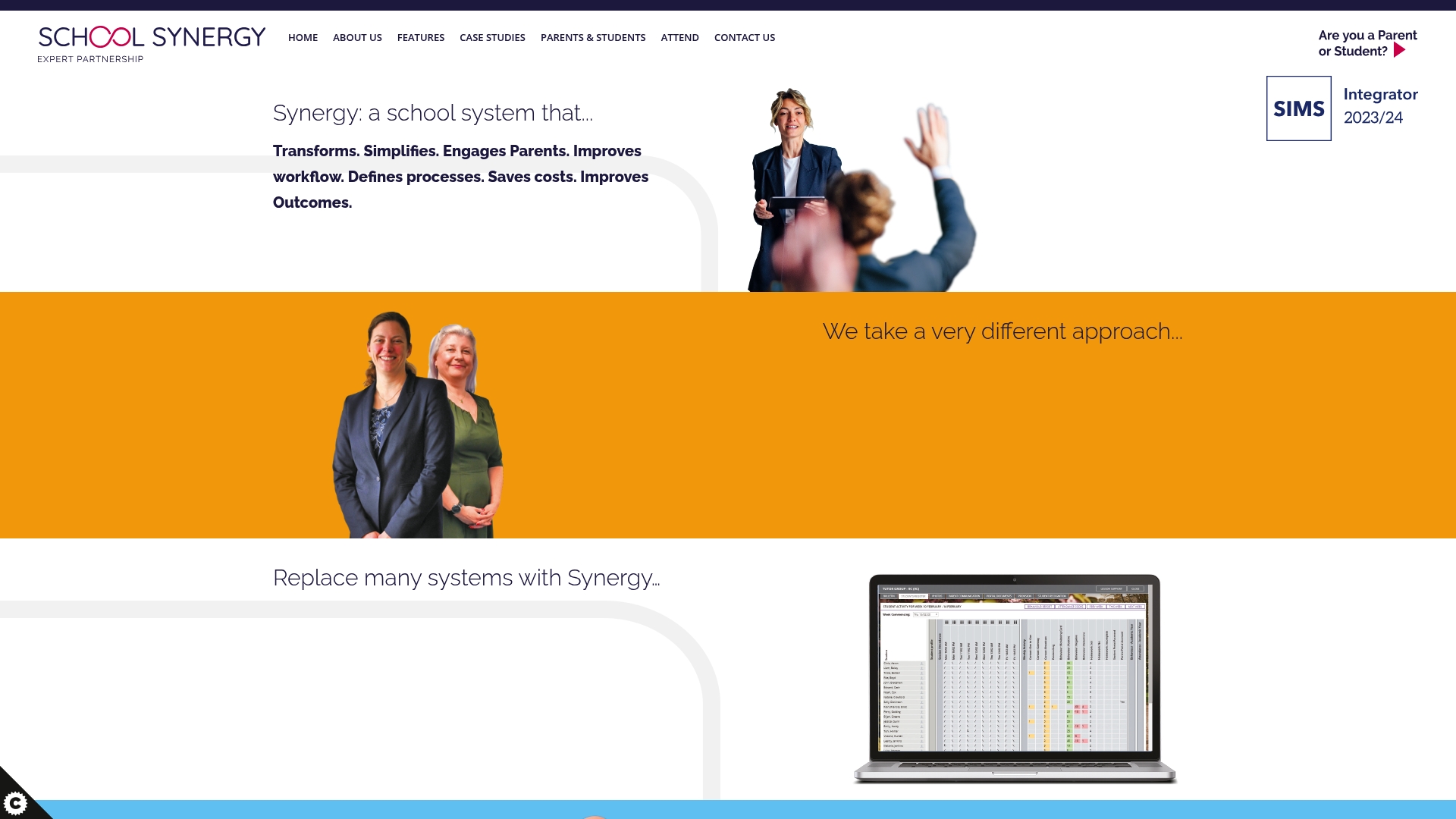
Includes dedicated school partner support for tailored implementation and ongoing improvement, which is the most concrete distinction in the product data. The platform centralises attendance, behaviour, pastoral logs, parent communication and a VLE into one system.
User feedback praises reduced manual admin work but flags performance and navigation problems that affect daily use.
Core Features
- Class View for teacher-facing classroom management and quick access to registers and seating.
- Behaviour tracking and an audit trail for incidents and sanctions.
- Pastoral Log to record welfare notes and interventions.
- Parent messaging and portal access for two-way communication and consent handling.
- Class Work (VLE) to store schemes of learning, resources and assignment hand-ins.
Key Differentiator
School Synergy pairs its platform with a named partner assigned to each school, offering hands-on implementation and bespoke support. That partnership focus aims to reduce the burden on internal IT teams and accelerate adoption.
This model suits schools that want guided change rather than a purely self-serve SaaS rollout.
Pros
-
Centralises pupil records and enrollment which reduces duplicate entry across systems and saves staff time.
-
Parent communication tools are practical and cut down on email chains by keeping messages and permissions in one place.
-
The combined VLE and administrative modules let teachers store schemes and link resources to class groups, reducing context switching.
-
Partnership support is available for implementation and ongoing development, which helps smaller schools lacking in-house project management.
-
Reported reductions in manual workload free staff for pastoral and teaching duties rather than paperwork.
Cons
-
Several users report slow performance, especially when screens load large volumes of pupil data, which interrupts routine tasks.
-
The navigation can feel unintuitive for staff new to the system, increasing training time and initial support requests.
-
Assignment syncing and some data management flows have been described as unreliable, forcing manual reconciliation in some cases.
When It May Not Fit
If your trust runs large datasets across many sites, the platform may show the performance limitations mentioned above. The product data explicitly notes potential performance issues with extensive data.
Also avoid it if you need a system you can self-configure quickly; this product assumes you want partner-led implementation and ongoing support.
Who It’s For
K-12 schools and Multi-Academy Trusts that prefer a single vendor to centralise attendance, behaviour and VLE functions and who value a partner-led roll-out. Best where schools want external support to manage change and reduce internal project load.
Real World Use Case
A secondary school replaced several legacy systems with School Synergy to bring attendance, parental messaging and schemes of learning into one place. Teachers reported fewer duplicated records and parents received clearer, consolidated communications.
Some technical follow-up was needed to resolve slow screens during peak times, according to the implementation notes.
Pricing
Not applicable — School Synergy lists pricing information as informational only. The vendor expects to provide bespoke quotes based on school size, selected modules and the chosen level of partner support; contact them for a tailored proposal.
Website: https://schoolsynergy.co.uk
Admicity
At a Glance
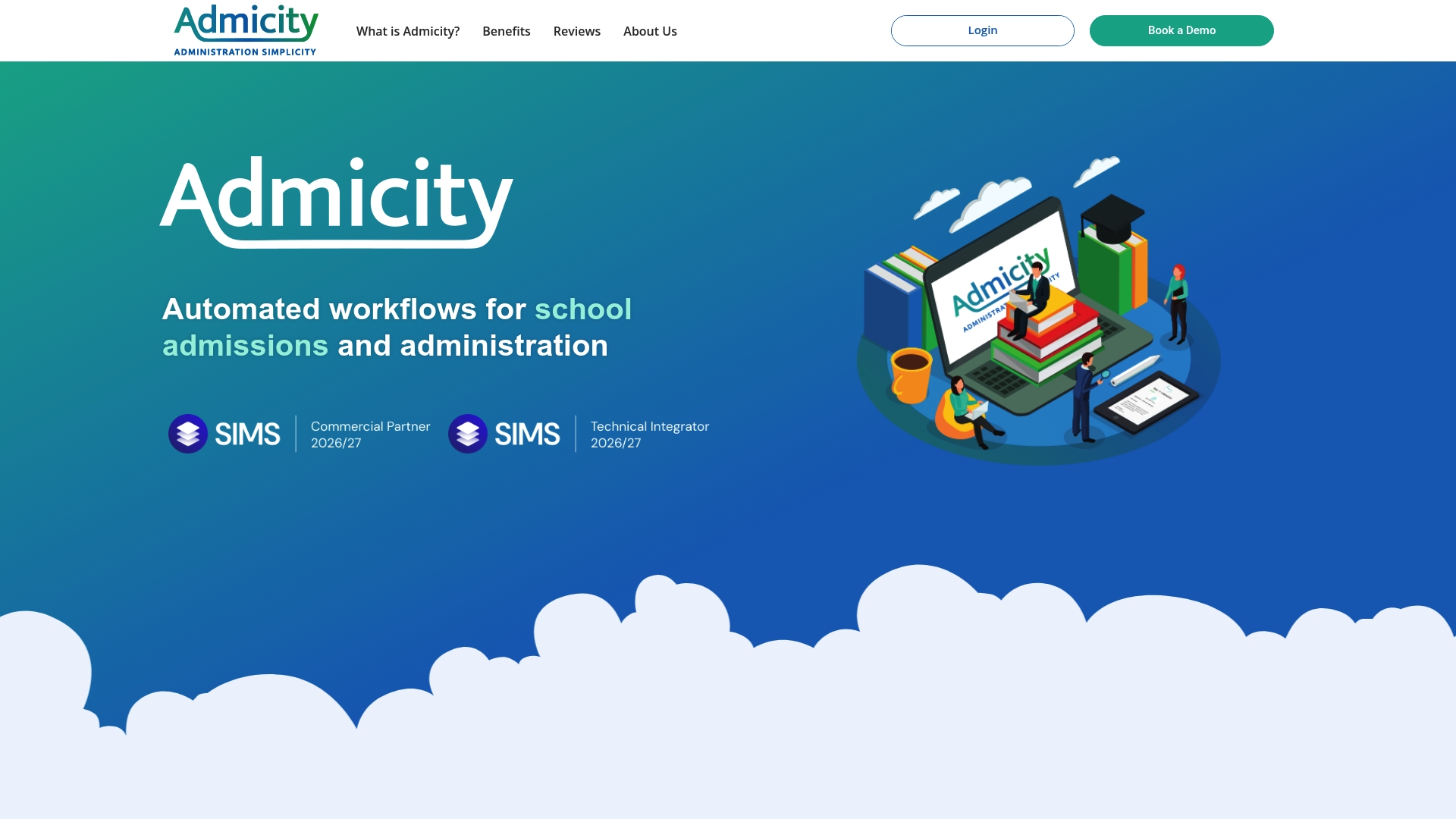
The vendor advertises a price of £2.50 per pupil and claims larger schools can save up to £40,000 a year by replacing multiple admin systems. That per pupil figure is the headline saving argument and will catch budget holders’ attention.
Admicity also cites an automated validation flow that collects 98% of required parent data according to its marketing materials. I hedge that as a vendor claim; use that figure only as a directional indicator of form completion performance.
Core Features
Admicity bundles admissions, pupil records and parent communications into one school-facing console.
- Two-way SIMS integration that pushes and pulls records with the MIS.
- Online admission form customisation and automatic import into the school MIS.
- Centralised pupil administration covering medical records, trips, forms, staff contacts and emails.
- Automated reminders and validation to chase missing parent data.
Key Differentiator
The product is built around direct SIMS connectivity and automation designed to cut the time staff spend chasing paperwork. That tight MIS link is the practical advantage for schools already on SIMS because data flows reduce duplicate entry and manual reconciliation.
Pros
-
Consolidates several admin processes into one place so office staff spend less time switching between separate systems and spreadsheets.
-
The two-way SIMS link removes repeated manual imports and exports, which reduces transcription errors and speeds up updates.
-
Intuitive parent interface makes it quicker for families to update records, which lowers phone and email traffic to the office.
-
That low per pupil price makes pilot projects financially simple to justify for primary and smaller secondary schools.
Cons
-
There are few independent third-party reviews publicly available, so long term reliability and support experience are not well documented.
-
Functionality depends heavily on successful SIMS connectivity. Without SIMS the platform loses much of its value.
-
Public feature detail is limited, so larger trusts may need a deeper technical conversation before committing.
When It May Not Fit
If your trust does not run SIMS or uses a different MIS the benefits are greatly reduced. Equally, MATs that require independently verifiable long term uptime or community reviews may find the lack of public references a procurement risk. Schools with complex bespoke workflows should request a technical demo and a reference school first.
Notable Integrations
- SIMS
Who It’s For
School administrators, admissions officers and office managers who run admissions and pupil administration on SIMS and want to reduce manual data work. Best suited to single schools or MATs standardised on SIMS.
Real World Use Case
A primary school replaced three separate tools and paper forms with Admicity. The office reduced data entry time for new cohorts and parents updated medical notes online, which cut repetitive phone follow ups and sped up file completion before term start.
Pricing
Pricing is per pupil at £2.50 per pupil as stated by the vendor. That model makes costs predictable and easy to model for budget holders when planning roll changes.
Website: https://admicity.co.uk
ilerno
At a Glance
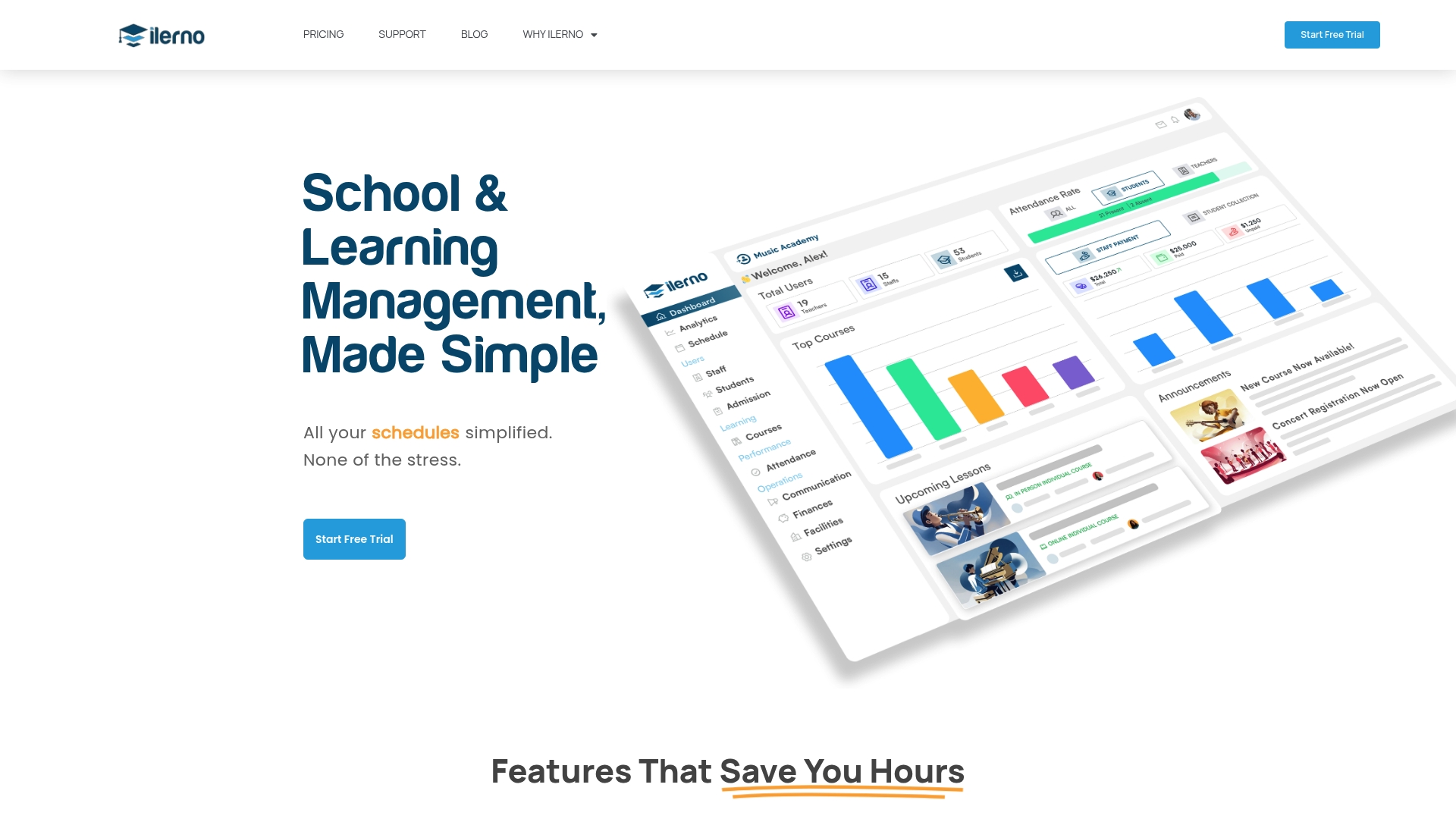
Starts with a free plan for solo tutors and expands to paid tiers for small and larger teams. The vendor positions ilerno as an all-in-one school management hub that bundles scheduling, admissions, attendance, reporting and payroll into tailored portals.
Core Features
Core capabilities mirror day-to-day school operations and sit behind user-specific portals for staff, students and parents.
- School scheduling that includes rescheduling automation to reduce manual timetable edits.
- Admissions and enrolment with online forms, applicant tracking and course assignments.
- Attendance tracking with real-time updates and alerting for absences.
- Course and lesson booking with flexible slots, plus financial management for invoicing and payroll.
Key Differentiator
ilerno focuses on specialised schools and tutors rather than broad K12 deployments. Its combination of tailored portals, workflow automation and multi-language support is designed for niche programmes where small teams need a single system to manage admin, records and communications.
Pros
- Affordable pricing: The tiering starts with a free option for solo tutors, which lowers the barrier to trial and short-term use.
- Reduces paperwork by centralising enrolment, attendance and certificates in one place, helping small teams reclaim administrative hours.
- Automation handles routine tasks such as rescheduling and reminders, which reduces repetitive clicks for staff and tutors.
- Supports remote or specialist programmes through multi-language interfaces and user-specific portals for parents, students and staff.
- Paperless records and file storage simplify audit trails and reduce physical filing requirements.
Cons
- Reviews offer little detail on third-party integrations, leaving questions about connecting ilerno to existing finance or MIS systems.
- The vendor materials provide limited information about advanced customisation options, which may matter to programmes with bespoke workflows.
- Scalability is unclear; the platform is clearly aimed at small schools and tutors, and there is little public evidence about large-institution deployments.
Who It’s For
Small schools, independent tutors and specialised education providers that need a cost-effective, paperless management solution. Best for teams that prioritise simple on-boarding, automated scheduling and straightforward enrolment over heavyweight customisation.
Real World Use Case
A small tuition centre replaces spreadsheets with ilerno. Tutors use the portal to publish course slots, parents register online, attendance is logged via the app and automated reminders cut no-shows. Admin hours drop because invoicing and certificates are generated from the same system.
Pricing
Starts from a free plan for solo tutors, with paid tiers for small and larger teams. Billing options include monthly or annual subscriptions; the vendor advertises flexible pricing to match team size and feature needs.
Website: https://ilerno.com
Comparative Analysis for School Website and Engagement Software
When selecting a platform for school websites, parent communication, and administrative tasks, distinguishing features and workflow differences become critical. Below, we examine key dimensions to help identify the best fit for varying organisational needs.
Modular Design vs Partner-Led Support
eSchools offers a modular structure, allowing institutions to select only the necessary components, such as a website, communication system, or online learning tools. This approach minimises waste and facilitates phased implementation, particularly advantageous for schools with constrained budgets. In contrast, School Synergy emphasises partner-led support, which benefits smaller schools needing external assistance for workflow setup and systematic adoption. However, this support is associated with slower performance, particularly under data-intensive operations, which may hinder large-scale institutions.
Automation vs Targeted Administration
Admicity excels in administrative automation, notably integrating with SIMS to streamline data flow between pupil records and everyday processes. The simplicity of per pupil pricing further aligns well with schools seeking predictable costs. Lastly, ilerno appeals to niche institutions by catering to alternative education models or tuition centres through its multi-language portals and tailored scheduling tools, although scalability remains less documented.
Best Fit Scenarios
- For UK primary and secondary schools requiring configurable modules and a single supplier, eSchools presents the solution for introducing modernised workflows across teaching and administrative tasks.
- Schools prioritising external assistance with system integration and a hands-on transition should consider School Synergy for its partner-led approach.
- Institutions using SIMS-focused workflows can achieve significant efficiency gains with Admicity’s tightly knit automation tools.
- Small tuition centres or niche providers needing adaptable scheduling and language-specific solutions may find ilerno better tailored to their unique needs.
Our Pick: eSchools
The ability of eSchools to provide modular systems tailored to UK educational structures, combined with dedicated onboarding and continuous support, makes it the leading choice for most schools seeking yet adaptable solutions. Schools requiring feature sets outside its modular focus might consider alternatives, such as Admicity or ilerno, where features align more closely with those specific needs.
School Website and Engagement Software Comparison
When selecting software for school websites and community engagement, one must consider features, modular flexibility, and support provisions.
| Product | Core Feature | Key Differentiator | Pricing | Notable Limitation |
|---|---|---|---|---|
| eSchools | Modular school website and communication tools | UK-focused tools, configurable modules | Not disclosed | Initial setup complexity without vendor support |
| School Synergy | Integrated attendance and pastoral systems | Partner-led implementation and support | Not disclosed | Performance issues with large datasets |
| Admicity | Admissions tools with SIMS integration | Direct SIMS linkage, automates processes | £2.50 per pupil | Heavy dependency on SIMS for core functionality |
| ilerno | Scheduling and school admin in one system | Free tier and multi-language support | Free plan available | Limited scalability for larger organisations |
Discover a Smarter Alternative to school-learningzone.co.uk with eSchools
Choosing the right digital tools for your school can feel overwhelming when faced with numerous options. This article highlights challenges such as juggling multiple platforms, complex setups, and the need for tailored support. eSchools solves these pain points through modular, user-friendly software designed specifically for UK schools and multi-academy trusts. With over 14 years of trusted experience, eSchools offers bespoke school websites, secure parent messaging, online learning environments and helpful booking systems—all backed by dedicated onboarding and unlimited support.

If you want to reduce administrative pressure and give your staff a simple, compliant solution, explore how eSchools can help. Visit eSchools to see how you can launch a new website and add communication or learning modules at your own pace. Book a demo today and reclaim valuable hours by automating parent messaging and improving engagement with your community.
Frequently Asked Questions
How does Eschools support modular purchasing for schools?
Eschools provides a modular purchasing option that allows schools to buy only the functionality they need, such as websites or communication tools. This flexibility is designed to align budgets with immediate priorities, helping schools minimise unnecessary expenditure. Schools can take advantage of this by opting for the modules that best meet their current needs, making the adoption process more efficient.
What is the difference between Eschools and School Synergy?
School Synergy is known for its dedicated partner support that assists schools with implementation and ongoing development. In contrast, Eschools focuses on a modular delivery, allowing schools to tailor their purchases according to specific requirements without being locked into a comprehensive system. Customers looking for guided change may prefer the partnership model of School Synergy, while those wanting to customise their tools without extensive support can benefit more from Eschools.
Which platform offers better parent engagement features: Eschools or School Synergy?
Eschools includes a secure parent messaging system and a parents’ evening booking tool that aim to streamline parent communication and involvement. School Synergy, on the other hand, centralises parent communication with easy tracking but has been reported to have performance issues when handling large data volumes. Schools focused on efficient parent engagement may find Eschools’ features particularly advantageous due to its user-friendly approach.
Can I effectively integrate Eschools if we currently use SIMS?
Eschools does not specify its integration capabilities with SIMS, which may limit its effectiveness for schools already using this MIS. In contrast, Admicity boasts a two-way SIMS integration that automates data updates, making it ideal for schools committed to this system. Schools relying heavily on SIMS may want to assess if Eschools meets their integration needs before committing to it.
Does Eschools provide adequate training and support during onboarding?
Eschools offers dedicated onboarding and unlimited training during the implementation phase, designed to help schools adopt new features quickly and efficiently. The dedicated support is a crucial aspect, as it ensures that schools can maximise their use of the platform right from the start. Schools should utilise this training thoroughly to enhance their operational efficiency.