
TL;DR:
- Effective school website design combines intuitive navigation, mobile responsiveness, and authentic visuals to enhance communication. Regular updates, clear content ownership, and compliance with accessibility standards are essential for sustained engagement and trust. Ongoing improvement and alignment with school values ensure the website remains a functional and welcoming digital hub.
Engaging school website design is defined as the deliberate combination of intuitive navigation, mobile-first responsiveness, and audience-relevant content that transforms a school’s website into an active communication hub. Your school website is the first impression for prospective families, the daily reference point for current parents, and a statutory compliance tool reviewed by Ofsted. Getting it right requires more than attractive visuals. It demands a structured approach to usability, accessibility, and content governance that reflects your school’s identity and meets the real needs of every visitor.
What is engaging school website design?
Engaging school website design, known in professional web development as user-centred design for educational institutions, places the needs of parents, students, and staff at the centre of every decision. The goal is not decoration. It is clarity, speed, and trust.
A well-designed school website serves three distinct audiences simultaneously: prospective families researching admissions, current parents seeking calendars and updates, and students accessing learning resources. Each group arrives with a specific task in mind. If your site forces them to hunt for information, they leave. Intuitive navigation such as Mega Menus with clearly labelled pathways to admissions, student life, and governance sections is the structural foundation of any engaging design.
Mobile responsiveness is no longer optional. School users increasingly access websites via mobile devices during pickup lines or between classes, requiring fast load times and touch-friendly navigation. A site that renders poorly on a smartphone loses credibility instantly. Accessibility compliance under the Public Sector Bodies Accessibility Regulations 2018 adds a legal dimension. Features like readable typography, sufficient colour contrast, and keyboard navigation are not enhancements. They are requirements.
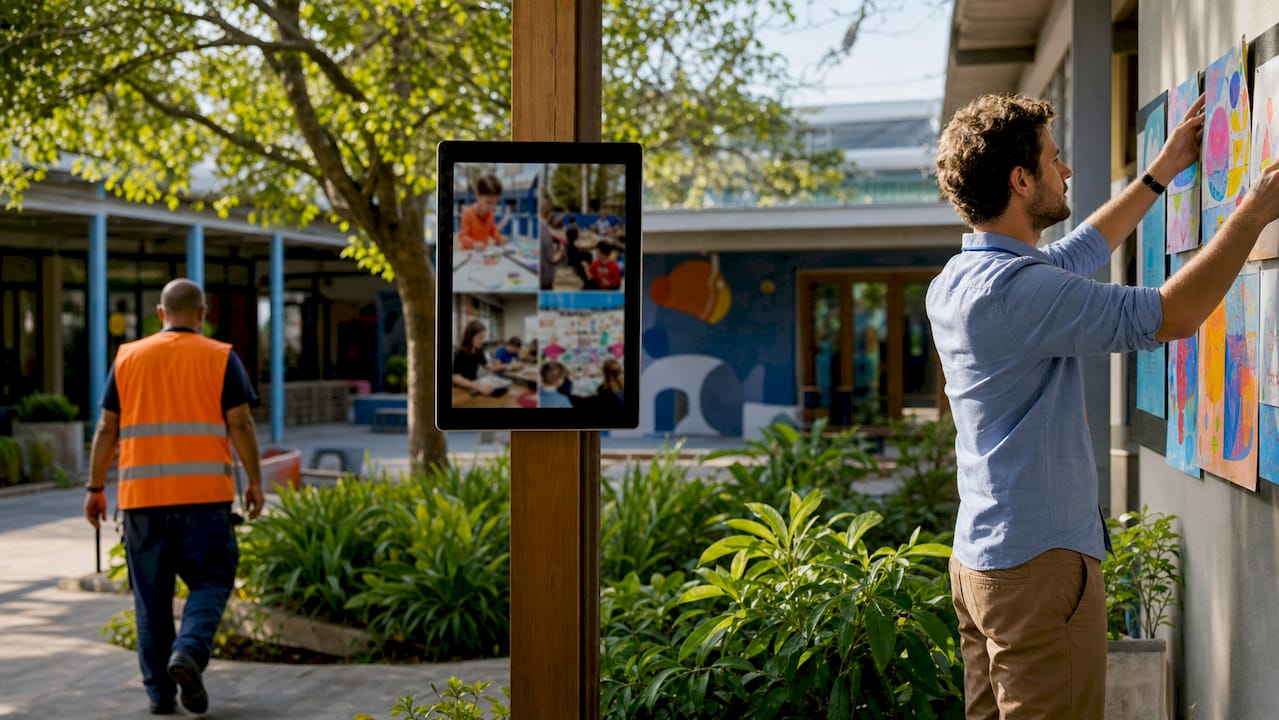
Authentic visuals complete the picture. High-quality photography of real school life, genuine pupil and staff stories, and virtual tours build transparency and trust with prospective families in a way that stock imagery never can.
What are the essential features of an engaging school website?
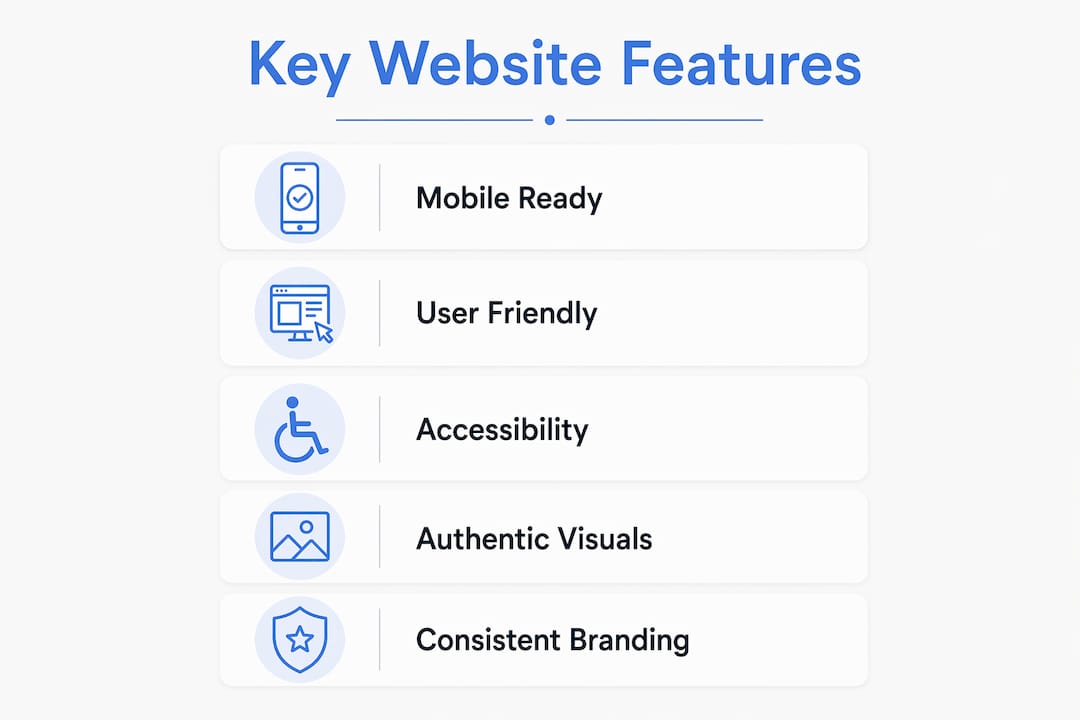
The key elements of school website design fall into five categories, each serving a distinct function.
- Intuitive navigation: Clear menus with logical groupings reduce the number of clicks a visitor needs to reach their destination. Label sections by audience type, such as “Parents,” “Pupils,” and “Governors,” rather than by internal department names.
- Mobile-first responsiveness: Responsive design requires rethinking navigation and interaction for finger touch rather than mouse clicks. Buttons must be large enough to tap, and text must be legible without zooming.
- Accessibility compliance: Readable typography, keyboard navigation, and colour contrast are statutory requirements for UK public sector websites. Non-compliance risks Ofsted scrutiny and excludes visitors with disabilities. Eschools provides a detailed breakdown of what this means in practice in their accessibility guide for UK leaders.
- Authentic visuals and storytelling: Real photographs of school life, pupil achievements, and community events communicate values more effectively than any written statement. Virtual tours build transparency and trust with prospective families beyond mere aesthetic appeal.
- Interactive features: Online enrolment forms, parent portals, event calendars, and parents’ evening booking tools reduce administrative load and give visitors a reason to return regularly.
Pro Tip: Test your school website on three devices before any major update: a desktop browser, an Android smartphone, and an iPad. If the navigation breaks or text overlaps on any of them, fix it before publishing.
Consistency across all pages matters as much as individual features. User experience best practices for K-12 schools include consistent design, accessibility, and mobile-first approaches to enhance community engagement. Inconsistency in fonts, colours, or layout signals a lack of care and undermines the trust you are trying to build.
How does engaging design improve parent and student engagement?
Effective school website design improves engagement through a straightforward mechanism: it removes friction. When parents find what they need quickly, they return. When students access resources without confusion, they use them more often. The following sequence explains how design choices translate into measurable engagement outcomes.
- Faster information retrieval reduces frustration. A parent searching for the school calendar at 7am before the school run has no patience for a broken link or a buried PDF. Clear navigation and up-to-date content make that parent a regular visitor rather than a frustrated one who phones the office instead.
- Mobile access increases timely interaction. Parents and students are rarely at a desktop when they need school information. A mobile-optimised site means a parent can check a trip consent deadline from the supermarket car park. That convenience directly increases the volume of timely responses to school communications.
- Clear communication features reduce administrative queries. When term dates, policies, and contact details are easy to find, the volume of routine phone calls and emails to the school office drops. Staff time is freed for higher-value tasks.
- Multimedia and storytelling build community connection. A news section featuring pupil achievements, a gallery from the recent sports day, and a headteacher’s video message create an emotional connection that static text cannot. Families feel part of the school community even outside school hours.
- Iterative improvement sustains engagement over time. Taking incremental steps such as improving mobile performance steadily enhances engagement and user satisfaction. A one-off redesign every five years is not sufficient. Regular, small improvements based on user feedback maintain momentum.
Pro Tip: Install a free analytics tool such as Google Analytics 4 on your school website. Track which pages receive the most visits and which have the highest exit rates. That data tells you exactly where to focus your next improvement.
For a practical breakdown of how to engage parents online, Eschools has published a dedicated guide covering interactive features and communication strategies for UK schools.
How to manage content effectively for a school website
Content management is the primary bottleneck in school website projects. Assigning content owners early speeds development and prevents the common scenario where a technically complete website sits unpublished for weeks because no one has written the copy. The following practices prevent that delay and keep your site current after launch.
- Assign a named content owner for each section. The SENCO owns the SEND policy page. The PE lead owns the sport and curriculum pages. Named ownership prevents content from falling between responsibilities.
- Set a realistic review timeline before development begins. A content audit conducted before the technical build identifies gaps, outdated information, and compliance shortfalls. Attempting to gather content during development creates pressure and produces poor results.
- Align content with current school identity. A website that still references a previous headteacher or an outdated uniform policy undermines credibility. Schedule a full content review at the start of each academic year as a minimum.
- Empower non-technical staff to update content independently. A content management system (CMS) with a simple editing interface means your office manager can update the term dates without waiting for a developer. Training staff on basic CMS tasks is one of the highest-return investments a school can make in its digital presence.
- Balance compliance content with engaging content. DfE statutory requirements mandate specific documents and information on school websites. Meeting those requirements is non-negotiable. However, compliance content alone does not make a site engaging. Pair every policy page with a news item, a pupil story, or a community update to maintain a human tone.
The school website design tips published by Eschools provide a structured framework for content planning that school web coordinators can apply directly to their next review cycle.
How to balance aesthetics, usability, and compliance
The tension between a visually distinctive website and one that is accessible and easy to use is real. The table below illustrates the trade-offs schools commonly face and the recommended resolution for each.
| Design Choice | Aesthetic Priority | Usability and Compliance Priority | Recommended Resolution |
|---|---|---|---|
| Colour palette | Bold, brand-specific colours | Sufficient contrast ratio (WCAG 2.1 AA minimum) | Use brand colours in headers; ensure body text meets contrast standards |
| Typography | Decorative or custom fonts | Legible at 16px minimum on all devices | Use brand font for headings; use a clean sans-serif such as Open Sans for body text |
| Navigation style | Full-screen image menus | Clear labels, keyboard accessible | Use descriptive text labels with supporting imagery, not imagery alone |
| Homepage layout | Large hero images and animations | Fast load time, mobile-friendly | Compress images to under 200KB; avoid autoplay video on mobile |
| Content volume | Rich, detailed storytelling | Scannable, concise, and findable | Use subheadings and bullet points to structure long content |
A consistent school brand reflected across every page builds recognition and trust. Soft colour palettes and readable typography signal approachability, which matters particularly for parents new to the school community. The key is to test your design choices against real users, not just against your own aesthetic preferences. Ask a governor, a parent, and a Year 9 pupil to complete three tasks on your website. Their experience will reveal usability problems that no internal review will catch.
Compliance with the Web Content Accessibility Guidelines (WCAG 2.1 AA) is the baseline standard for UK public sector websites. Meeting it protects your school legally and makes your site usable for the widest possible audience. Security accreditation, such as Cyber Essentials, adds a further layer of trust, particularly for schools handling parent data through online forms and portals. Cyber Compass Consulting offers specialist guidance for schools on website security and compliance if your team needs external support in this area.
What i have learned about school website design in 2026
The most persistent mistake I see in school website projects is treating the website as a one-time task rather than an ongoing responsibility. Schools invest in a redesign, launch with enthusiasm, and then allow the site to stagnate. Within eighteen months, the news section has not been updated, the calendar is a year out of date, and the mobile experience has degraded as browsers have evolved. The website becomes a liability rather than an asset.
The schools that get this right share one characteristic: they treat their website the way they treat their school prospectus. They review it regularly, they assign clear ownership, and they measure whether it is doing its job. Continuous improvement through iterative feedback outperforms one-time redesigns every time.
Mobile responsiveness deserves particular attention in 2026. The majority of parents now access school information on a smartphone. A site that was mobile-friendly three years ago may not meet current standards as device screen sizes and browser behaviours have shifted. Check your mobile performance quarterly, not annually.
My strongest advice is this: align your website goals with your school’s mission statement. If your school prioritises community, your website should feel warm and welcoming. If your school prioritises academic rigour, your website should communicate that through clear, well-structured information. The design is not separate from the values. It is an expression of them.
— Ed
How Eschools helps schools build websites that work
Eschools has spent over 14 years building school websites that drive admissions and parent engagement for schools and multi-academy trusts across the UK. Their bespoke website solutions are built around the features discussed in this article: mobile-first design, accessibility compliance, intuitive navigation, and CMS tools that empower non-technical staff to keep content current.

Every Eschools website is built with DfE statutory compliance in mind and backed by Cyber Essentials security accreditation. If you want to see what an engaging, compliant school website looks like in practice, explore the Eschools portfolio to review case studies from schools that have transformed their digital presence. Contact the Eschools team to discuss a solution tailored to your school’s needs and audience.
Key takeaways
Engaging school website design succeeds when usability, mobile responsiveness, accessibility compliance, and consistent content governance work together as a single system.
| Point | Details |
|---|---|
| Mobile responsiveness is non-negotiable | Parents and students access school sites on smartphones; touch-friendly, fast-loading design is a baseline requirement. |
| Content ownership prevents stagnation | Assign named content owners before development begins to avoid delays and keep the site current after launch. |
| Accessibility compliance is a legal duty | UK public sector websites must meet WCAG 2.1 AA standards; readable typography and colour contrast are mandatory, not optional. |
| Authentic visuals build trust | Real photography and pupil stories communicate school values more effectively than stock imagery or written statements alone. |
| Iterative improvement outperforms redesigns | Regular, small updates based on user feedback and analytics sustain engagement better than infrequent full rebuilds. |
FAQ
What makes a school website engaging for parents?
An engaging school website gives parents fast access to calendars, policies, and contact details on any device. Mobile responsiveness, clear navigation, and regularly updated content are the three features parents value most.
How often should a school website be updated?
School websites should be reviewed and updated at the start of each academic year as a minimum, with news and calendar sections updated at least monthly. Statutory compliance pages must reflect current DfE requirements at all times.
What are the legal requirements for UK school websites?
UK state-funded schools must publish specific statutory information as defined by the DfE, and all public sector websites must meet WCAG 2.1 AA accessibility standards under the Public Sector Bodies Accessibility Regulations 2018.
How does mobile design affect school website engagement?
Poor mobile performance leads to high bounce rates among parents. A mobile-first design ensures parents can access updates, calendars, and forms quickly from a smartphone, which directly increases the frequency of timely responses to school communications.
What is the biggest challenge in school website projects?
Content management delays are the most common cause of school website projects running over time and budget. Assigning content owners and completing a content audit before the technical build begins resolves this in most cases.